Misha Ovcharenko
uiscanner
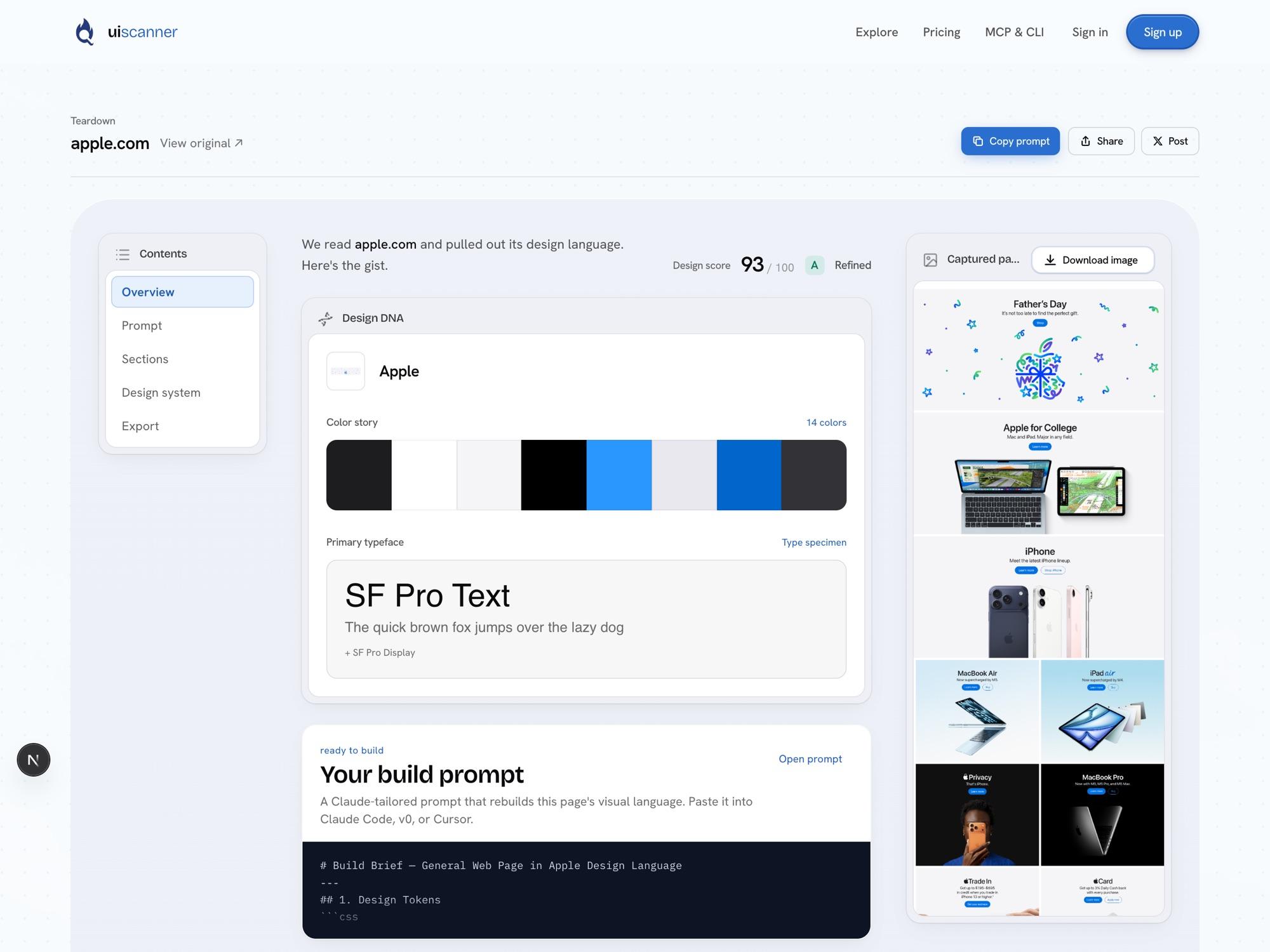
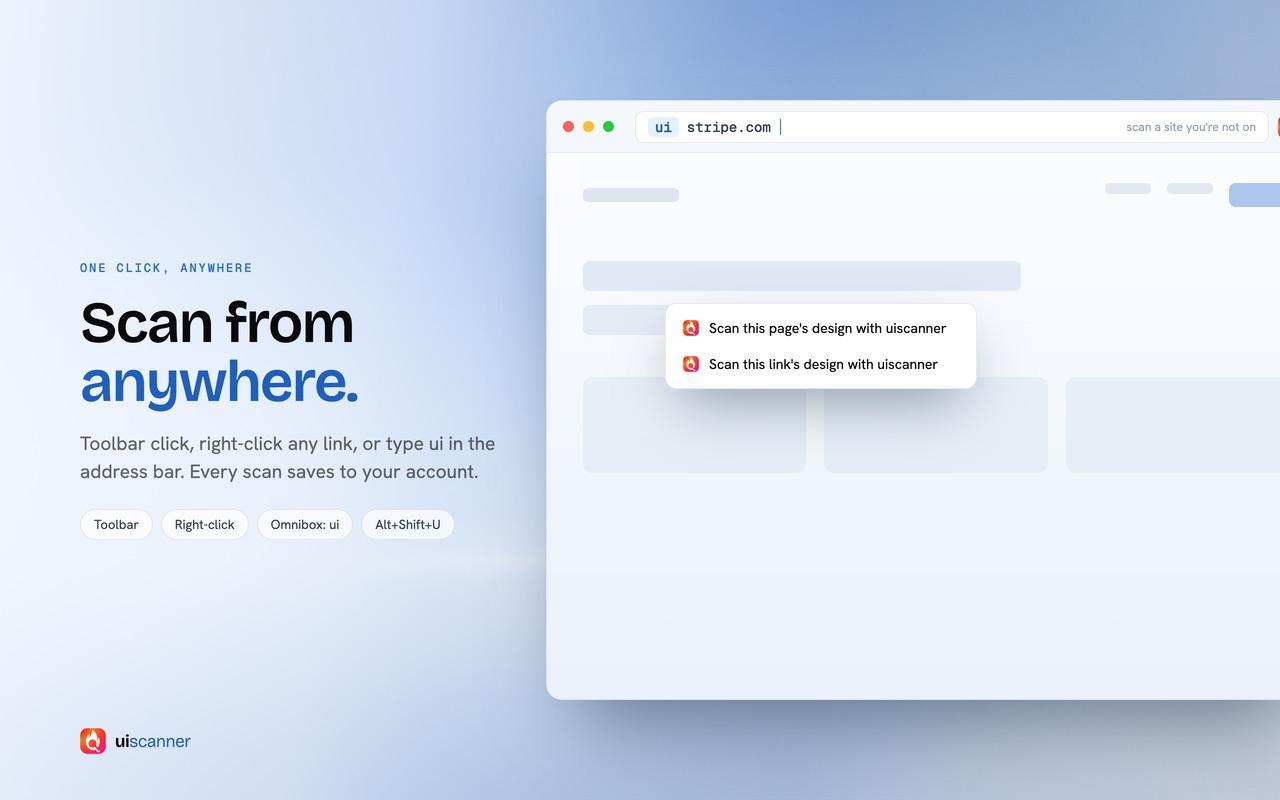
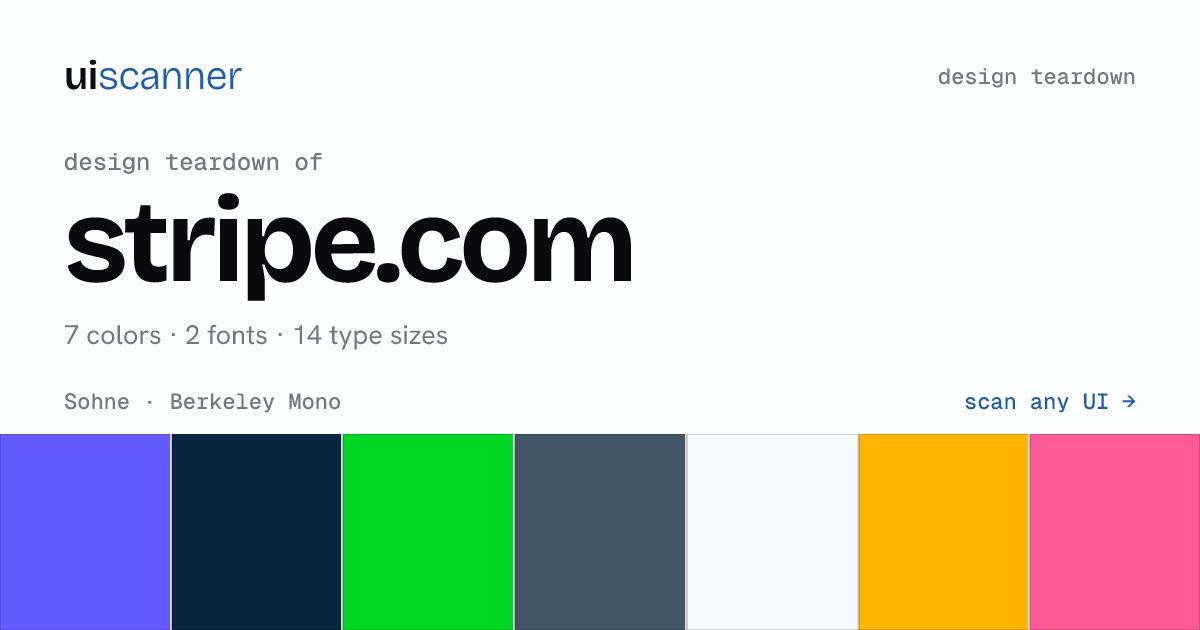
Put uiscanner.com/ before any link to get that page's real design tokens and sections, for building from a reference.
- For
- Myself
- Role
- Design, full-stack build, launch
- When
- Jun 2026
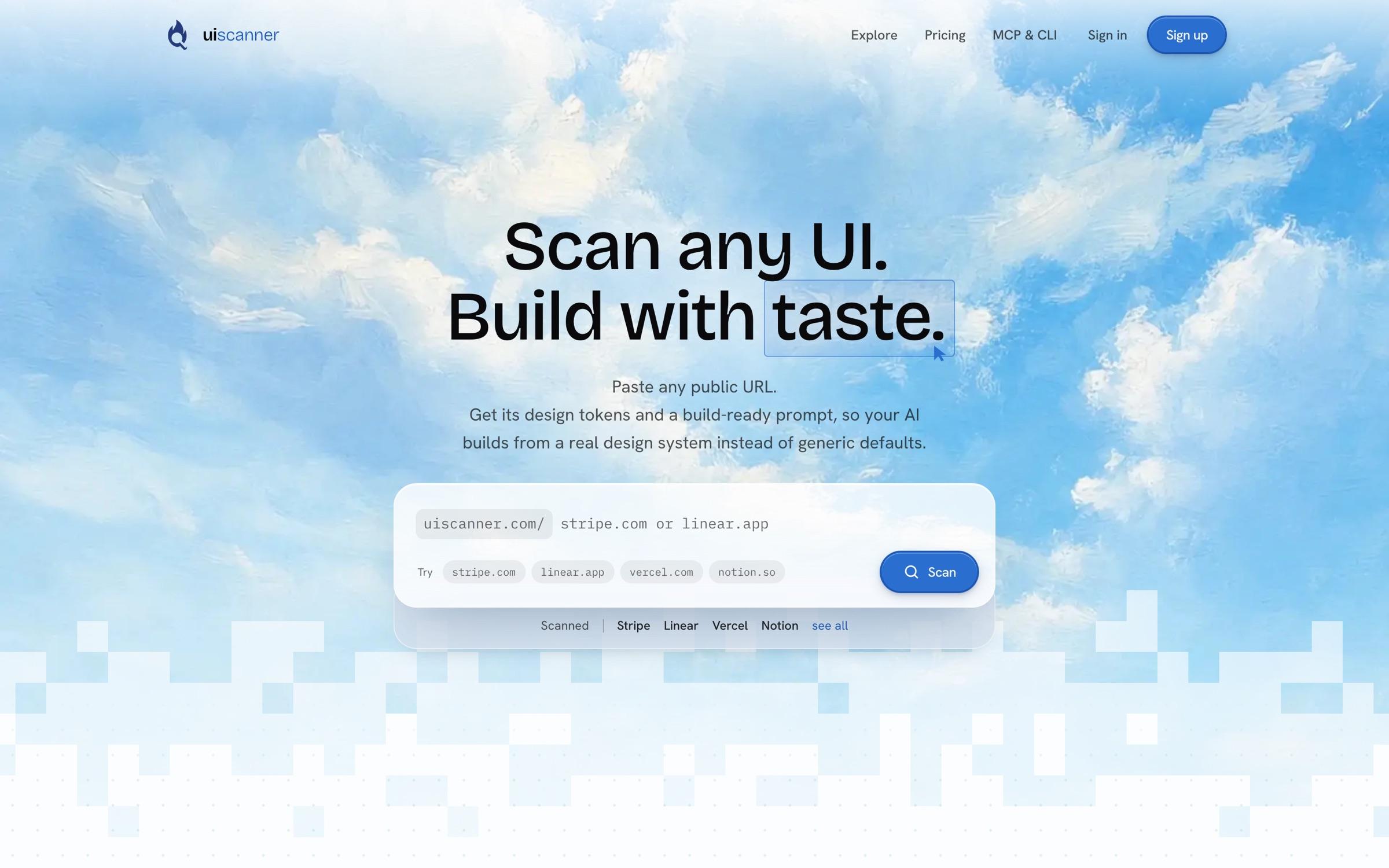
 uiscanner
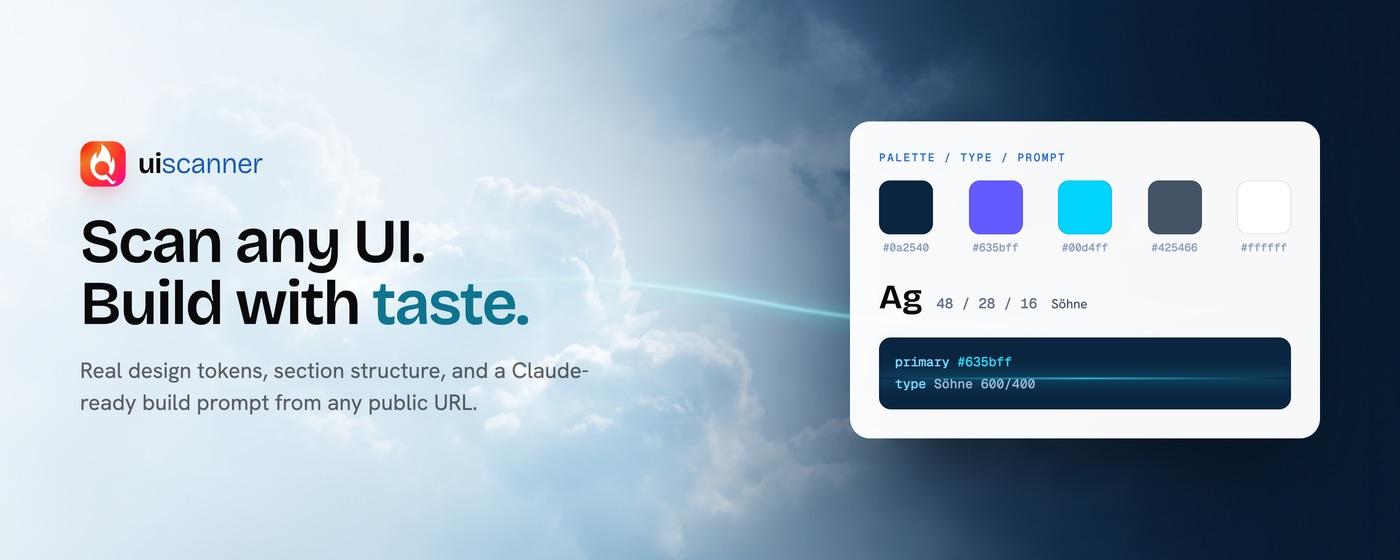
Scan any UI.
Build with taste.
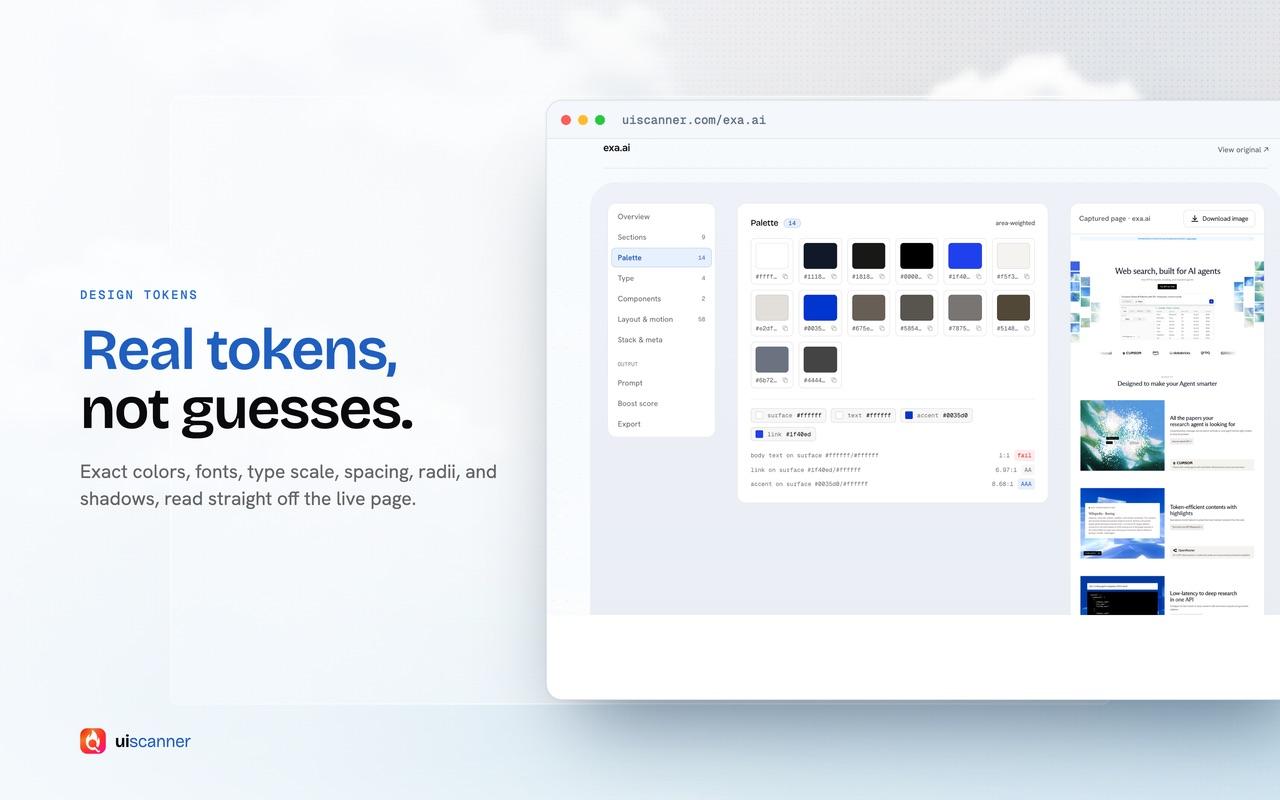
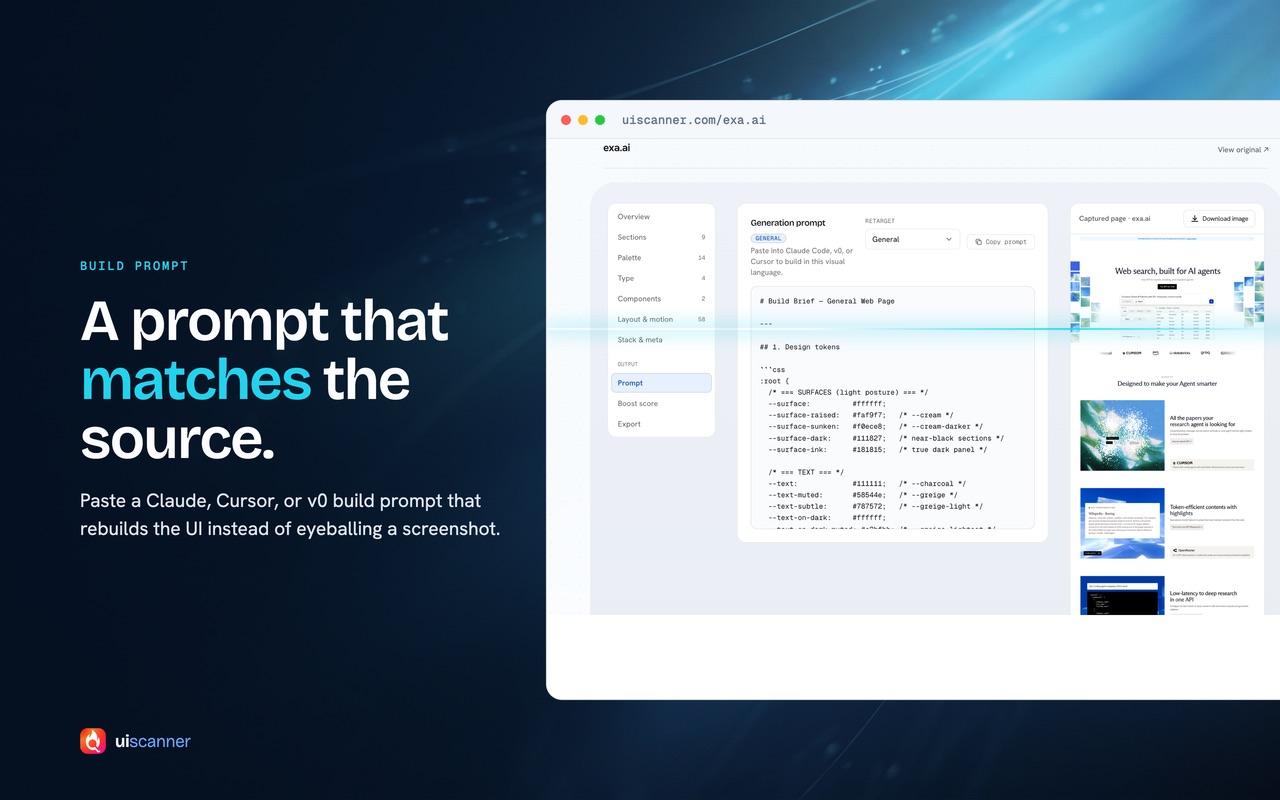
Paste any public URL. Get its design tokens.
The scan
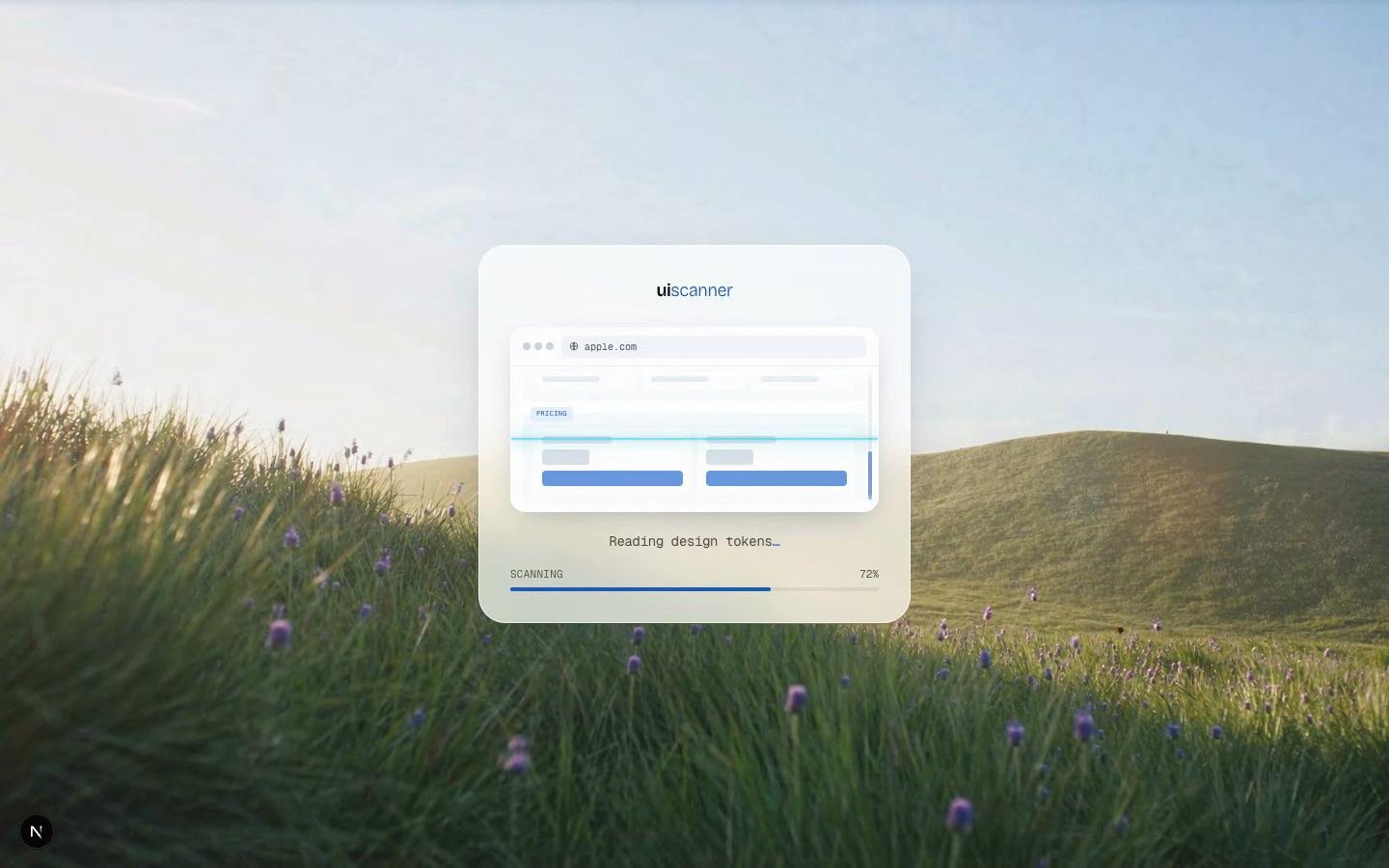
I like landing pages, and describing one from a screenshot is always a guess. So the scanner renders the page in a real browser, scrolls it so reveal animations load, and reads the CSS custom properties the site actually declares. Colours are weighted by how much of the page they cover.
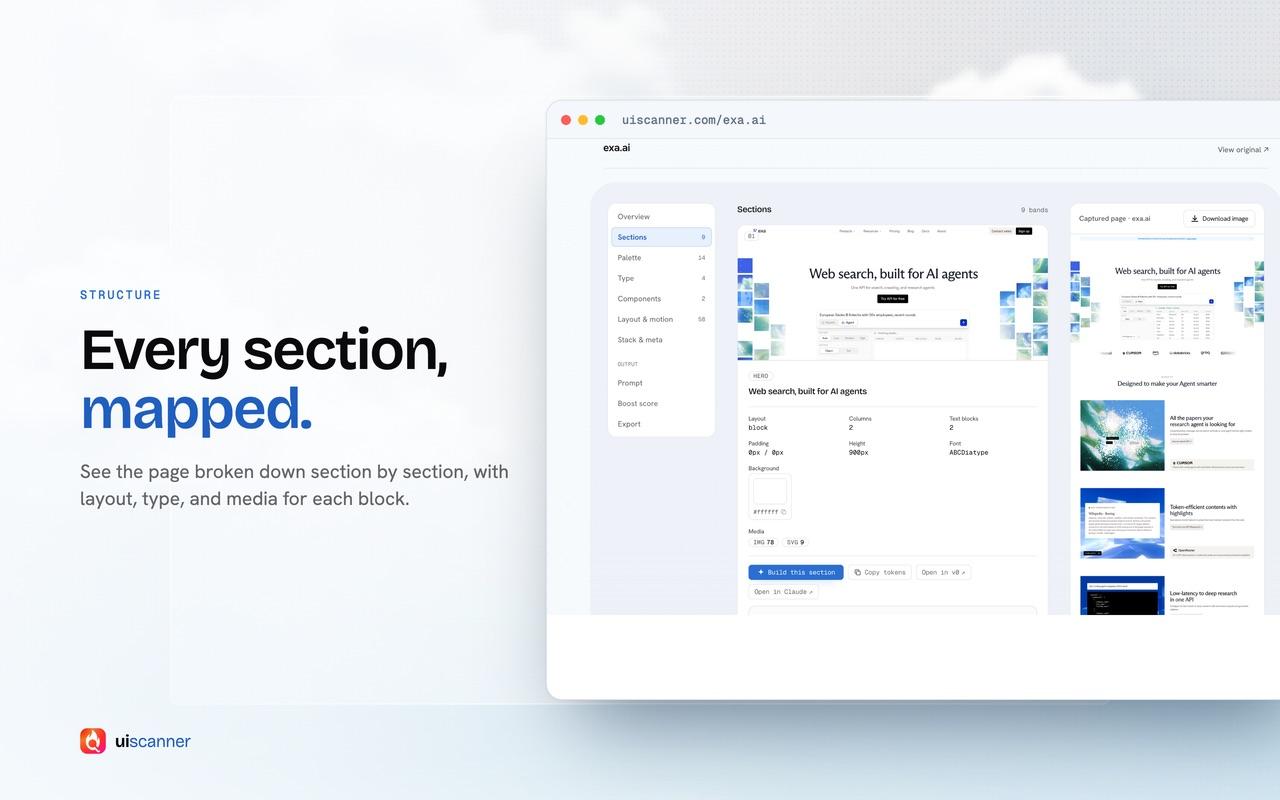
Pages cut into bands
Each page is split into vertical bands, from the hero through feature grids, media and the CTA down to the footer. Every band gets its own layout, headings and cropped screenshot, so you can take one section from a site instead of the whole thing.
The exa.ai benchmark
To check the output I rebuild exa.ai from its own scan and compare it with the real page. The first comparison turned up 41 discrepancies from 6 root causes, and I fixed all of them. It ships as a site, a Chrome extension and an npm package, and the 14 second launch recording reached around 51K views.