Misha Ovcharenko
Gauge
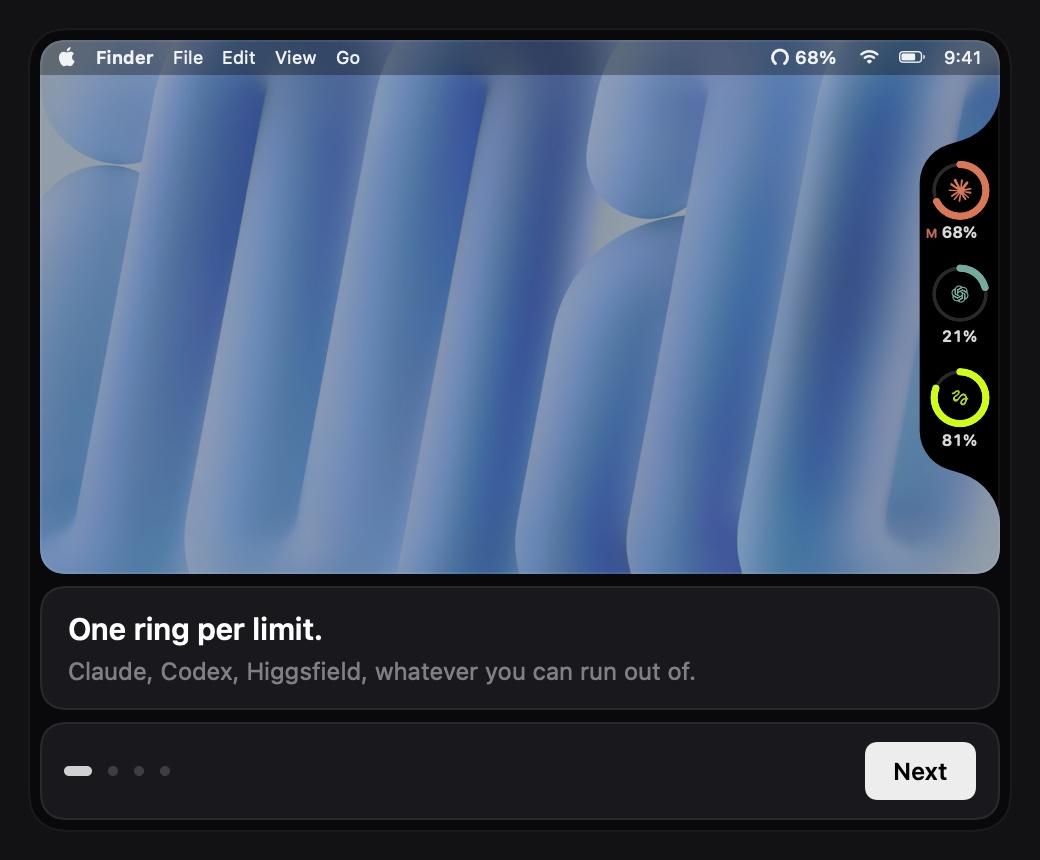
A black strip on my screen's right edge with one ring per usage-capped subscription, so I see a limit coming.
- For
- Myself
- Role
- Design, macOS build
- When
- Aug 2026
The strip
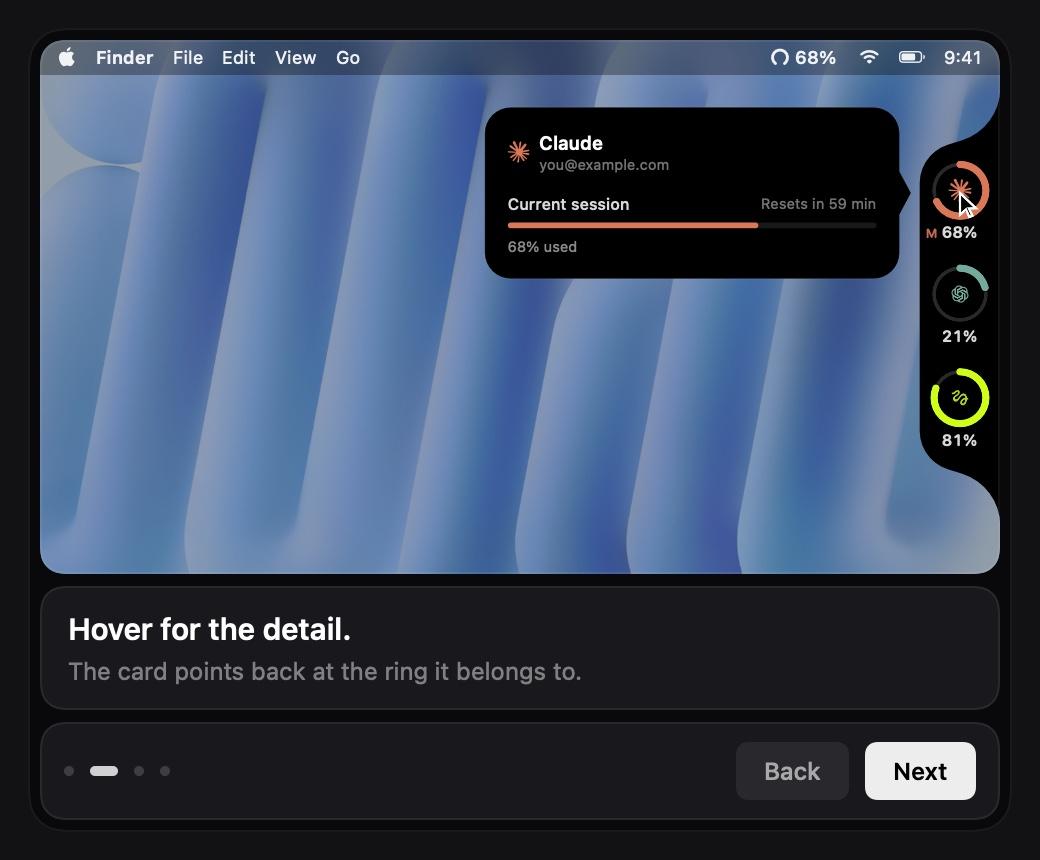
I pay for several subscriptions with usage caps, and I only found out I'd hit one by hitting it. Gauge is a strip welded to the screen's right edge. It sits above full screen apps, follows me across Spaces and never takes focus. Hover a ring and a card slides out with the exact percentage and reset time.
The concave carve
The strip is the nav pill from uimaxxing.com turned on its side, cut concave where it meets the bezel. A concave curve reads tighter than a convex one at the same radius, so I grew the carve until the two looked equal. The card waits for 250ms of rest before it opens, so a passing pointer does nothing.
The dash
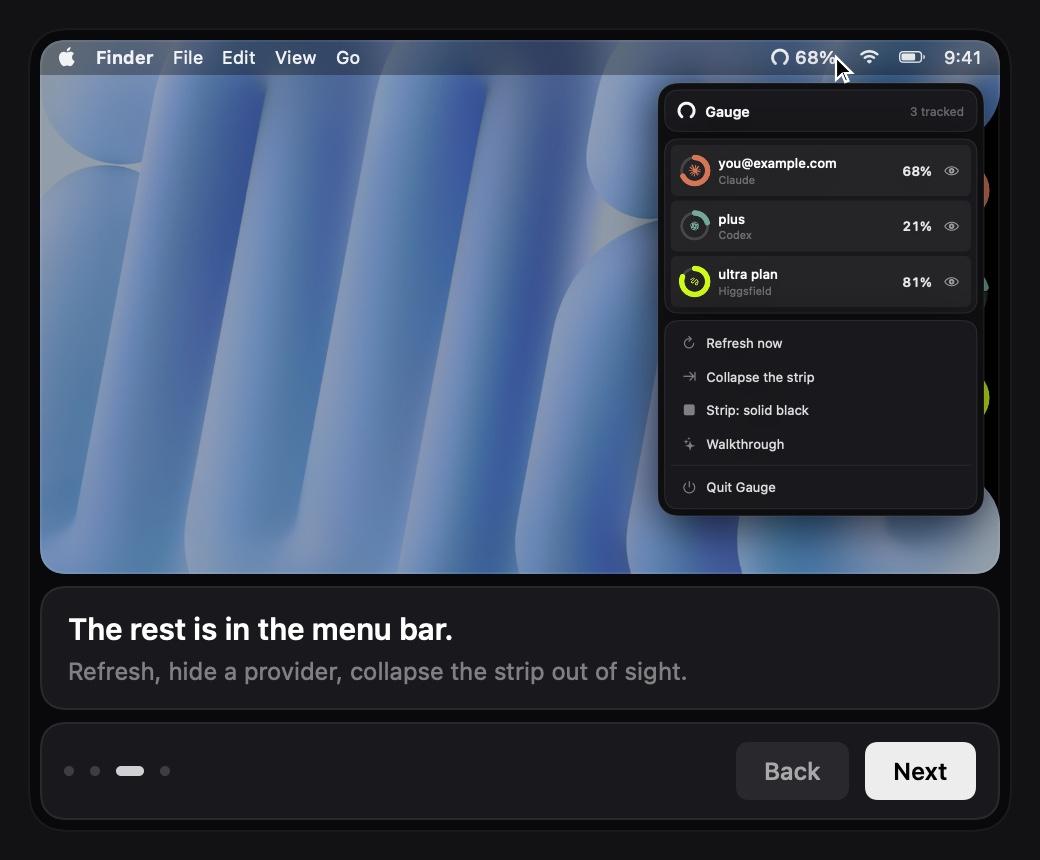
Every reading has to prove which account it came from before it replaces the last one. Being newer is not enough. When there is no real number, the ring shows a dash. It reads about a dozen services, and each new one starts hidden until I turn it on.